
Free AI Room Designer
AI room design from your real photo.
Upload a room, pick a style, and see it redesigned by AI in about a minute. Works in your browser — no app to download.
Add a photo of your room
Empty, old or finished — any room works.
or drop a photo here · 1 free room design · no credit card
or drop a photo here · 1 free room design · no credit card
How it works
Design your room in three steps
No design skills, no 3D modeling, no prompts to write.
- 01
Upload a room photo
Stand in a corner and shoot in landscape with good light. Bare shells, old rooms and finished spaces all work.
- 02
Choose what to change and a style
Renovate everything, or keep your walls and floors and get just new furniture. Pick one of 10 styles — or upload an inspiration photo you love.
- 03
Compare and save
Slide between before and after, try another style, and save the room design you love.
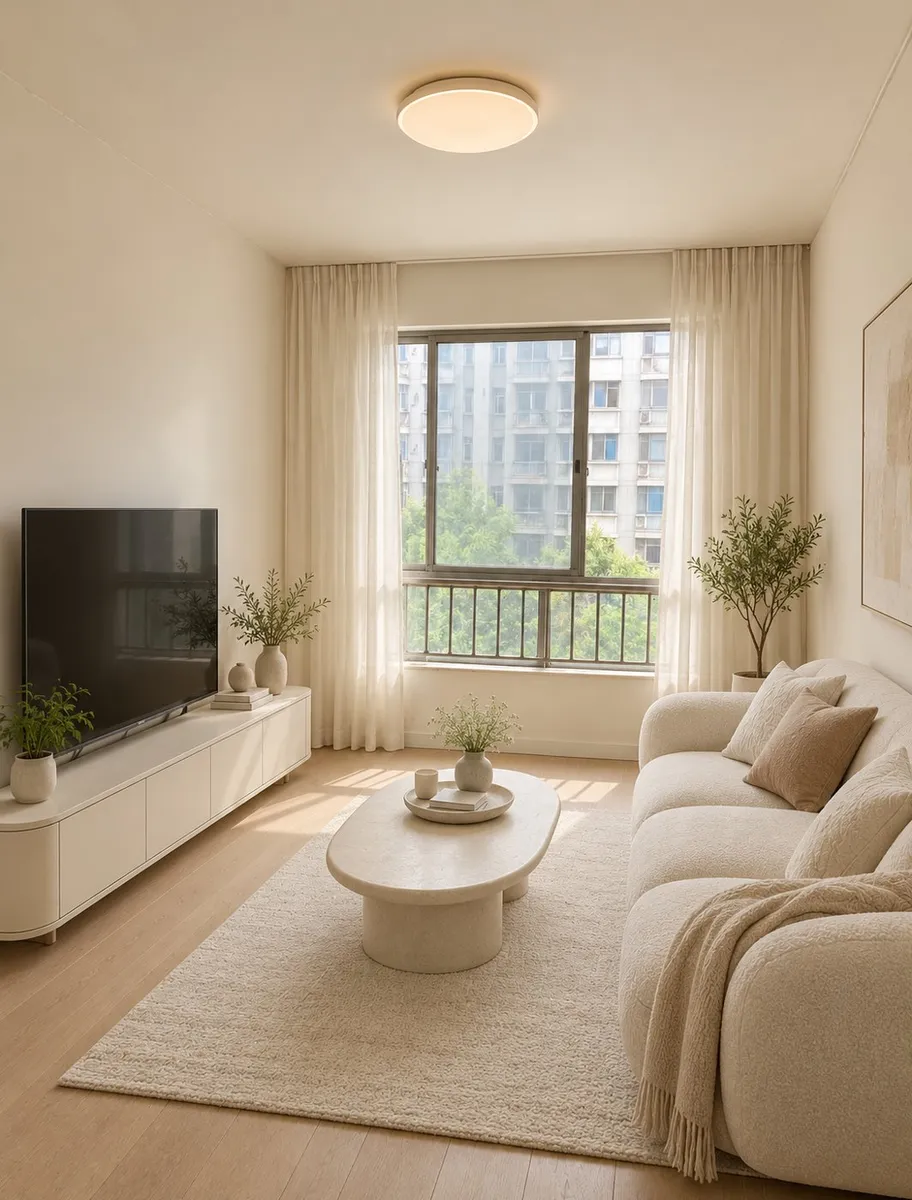
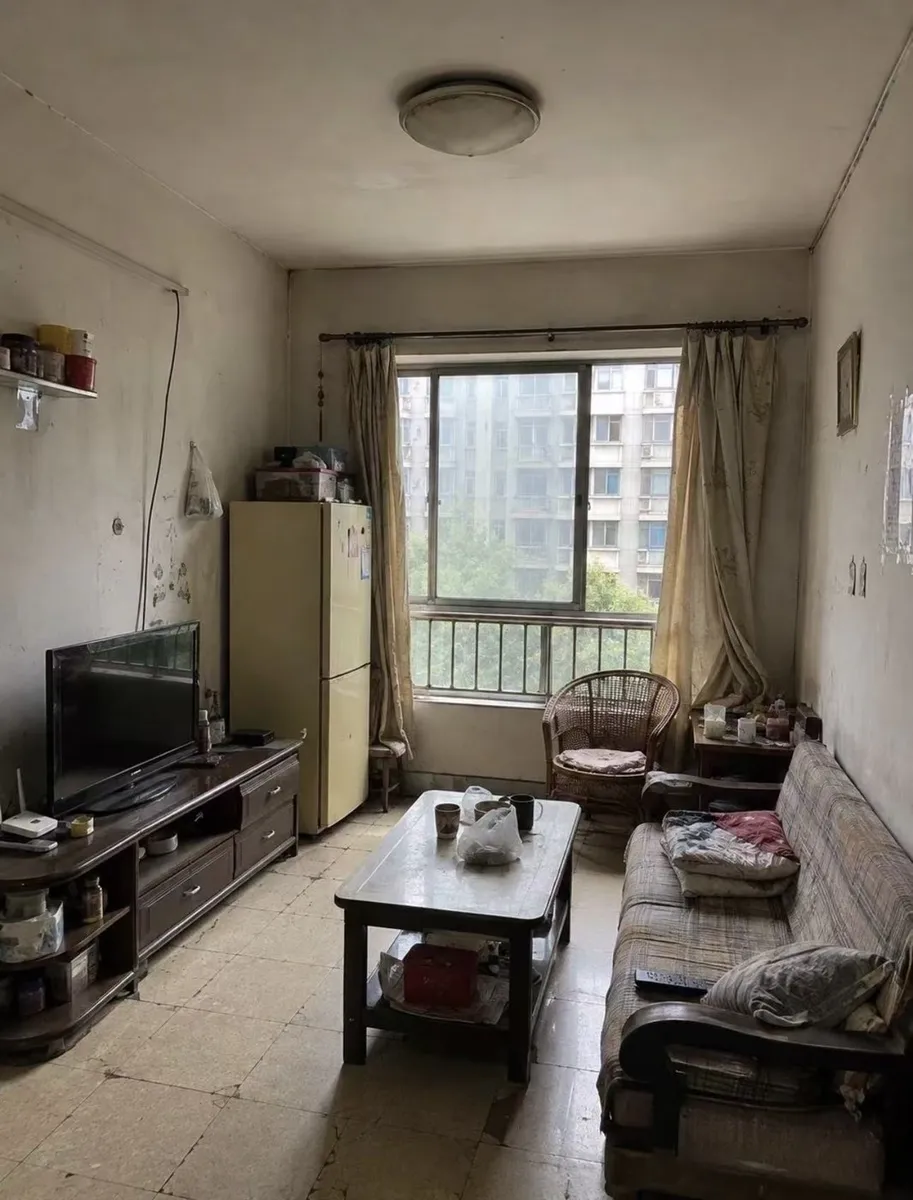
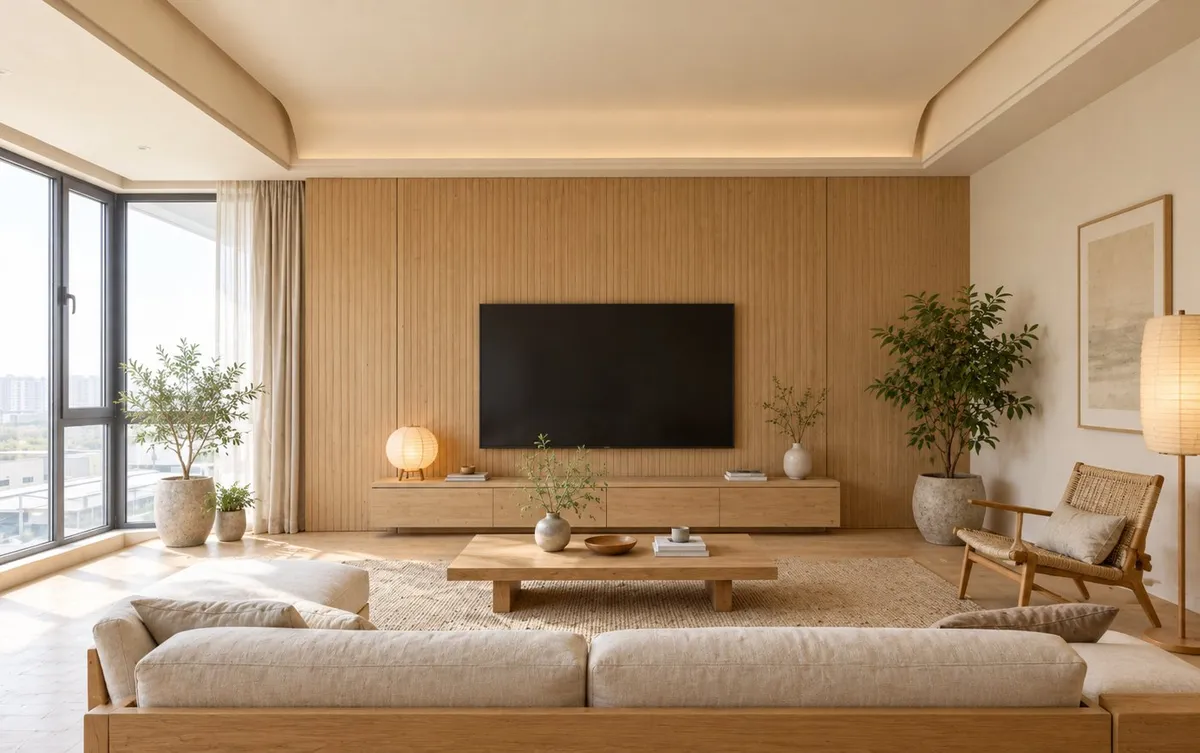
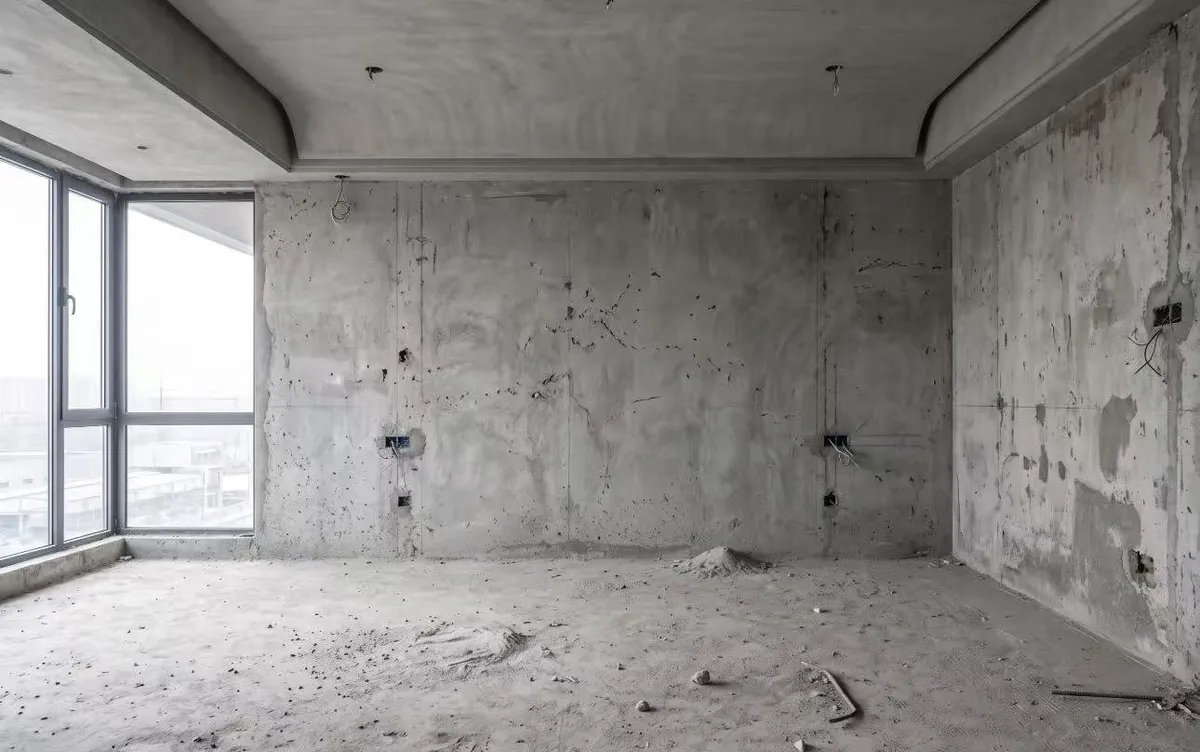
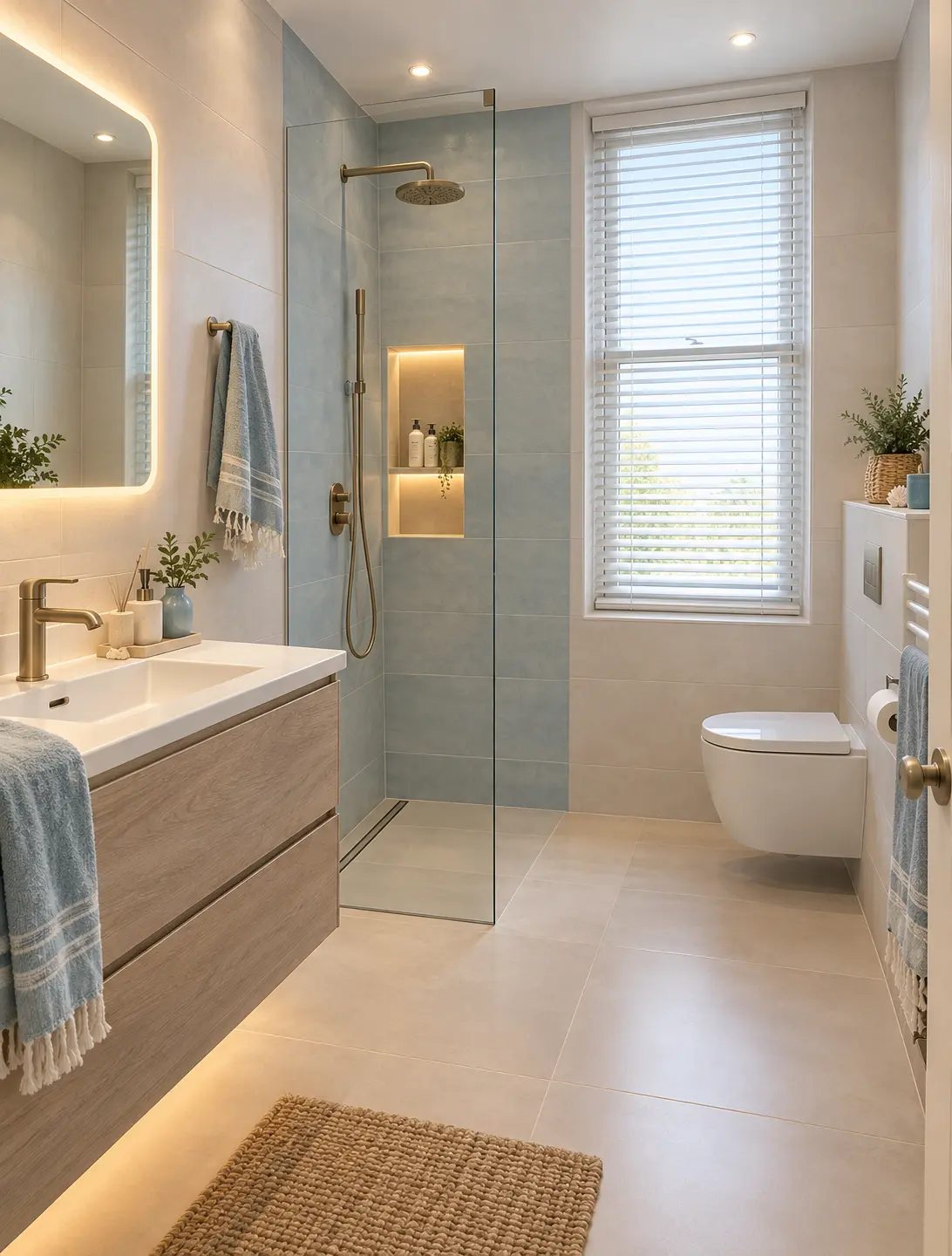
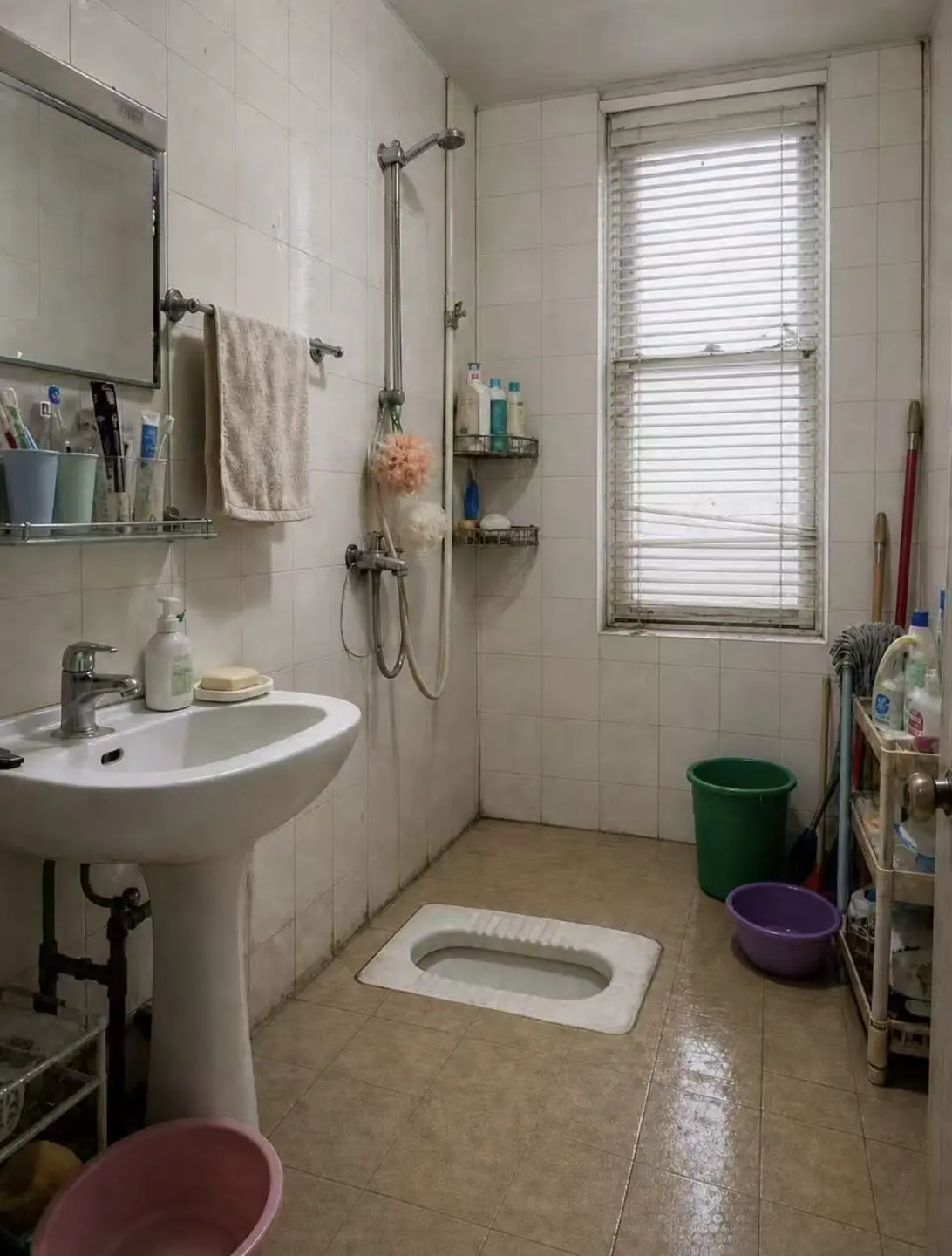
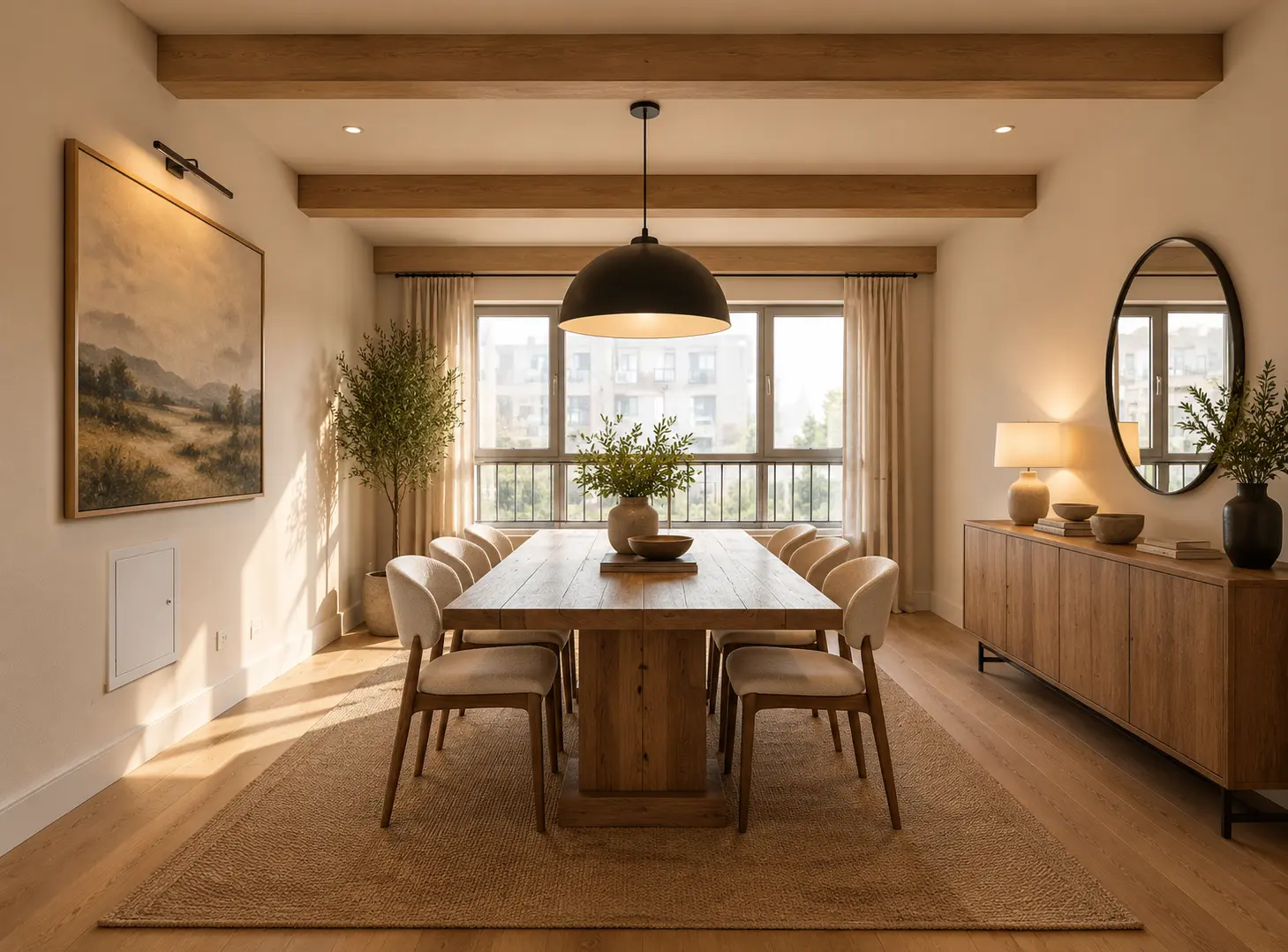
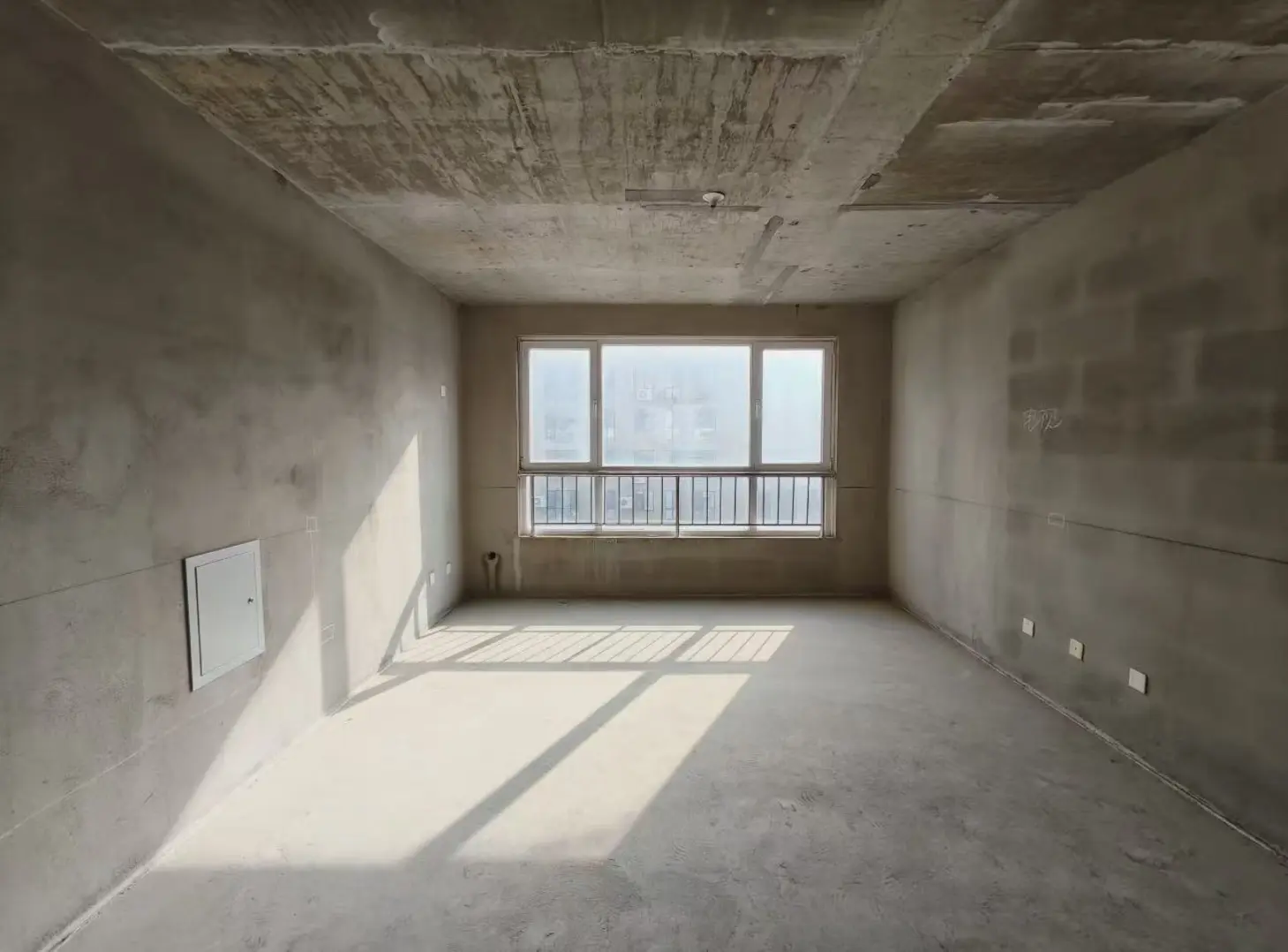
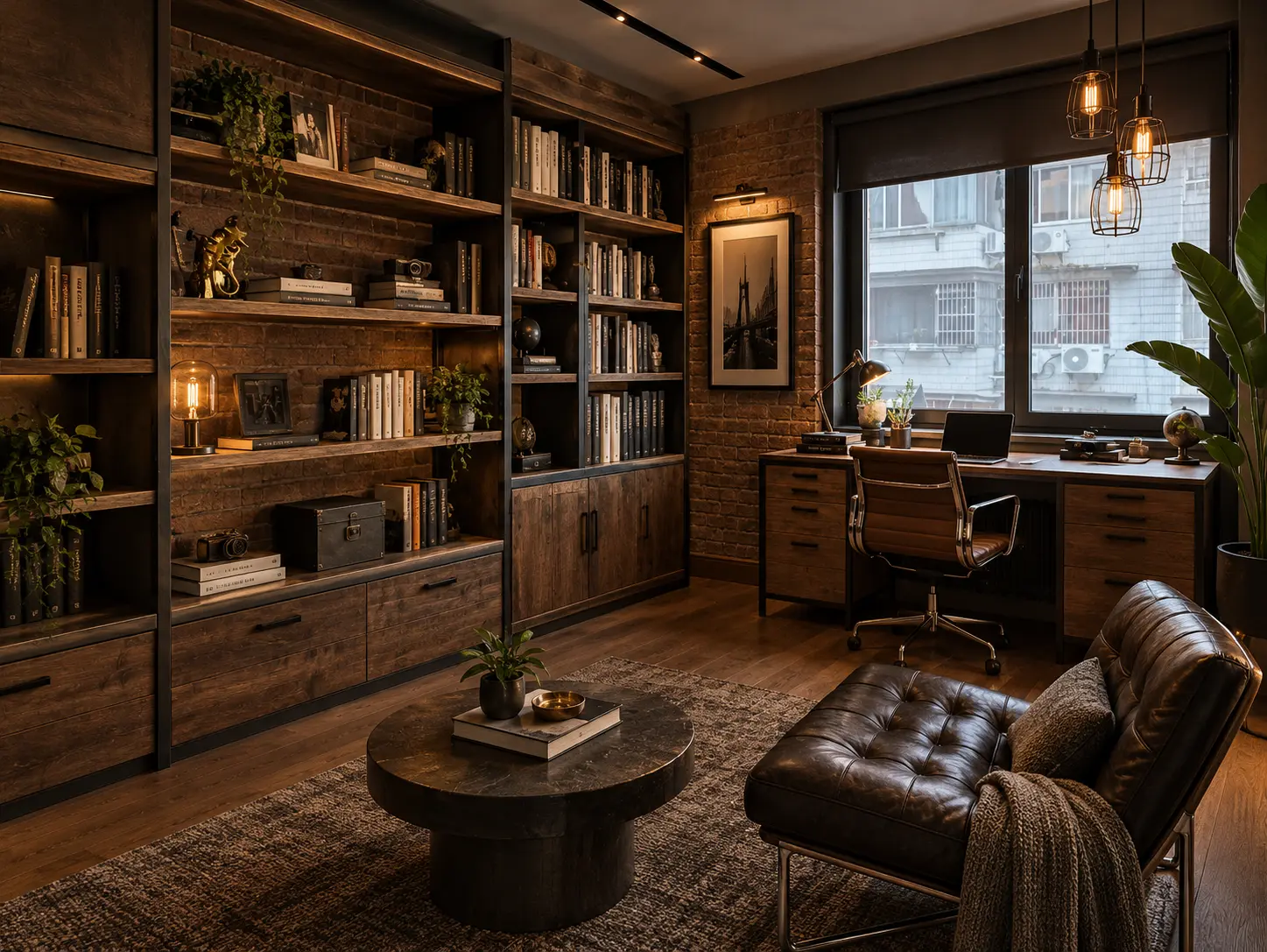
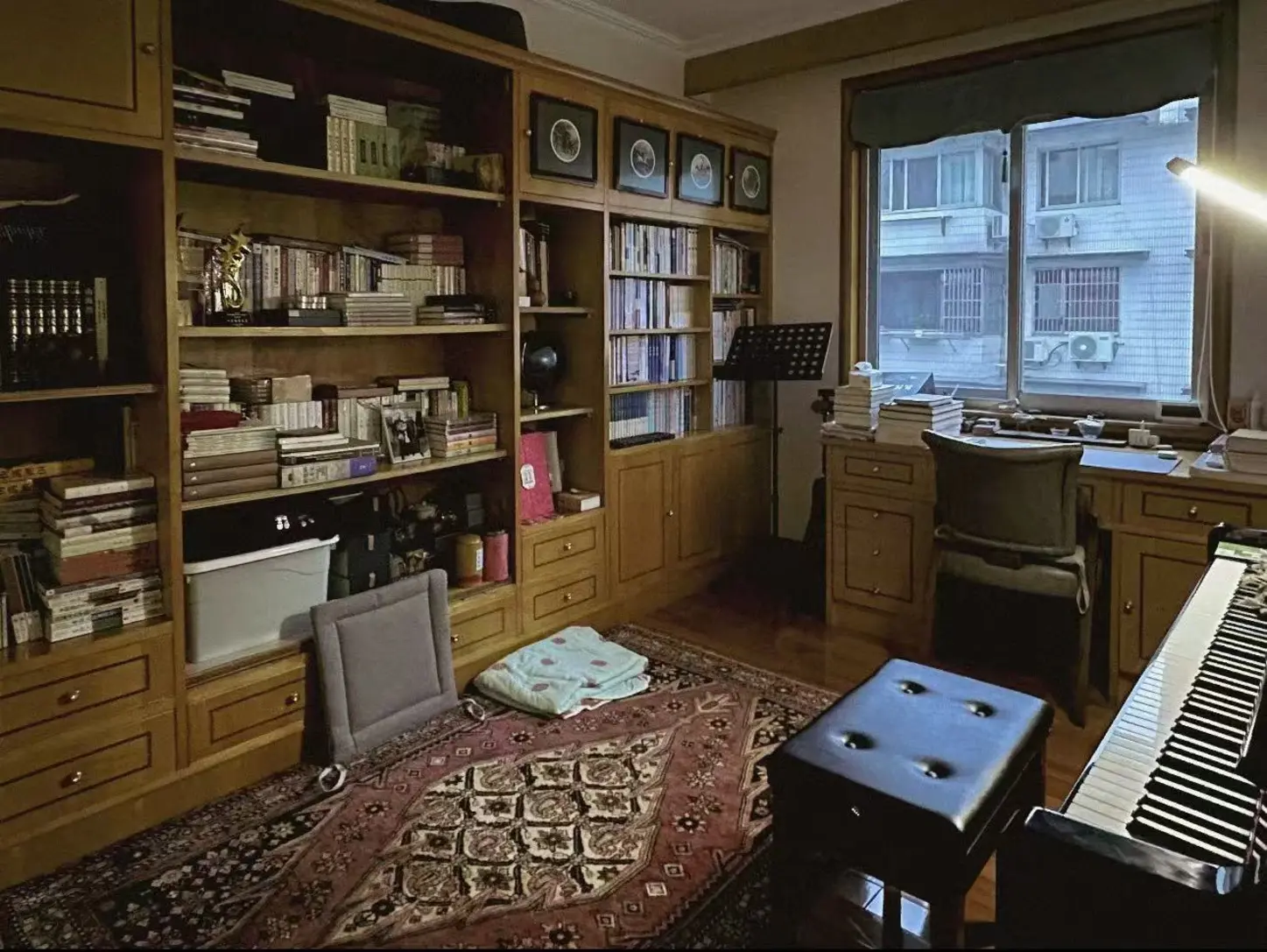
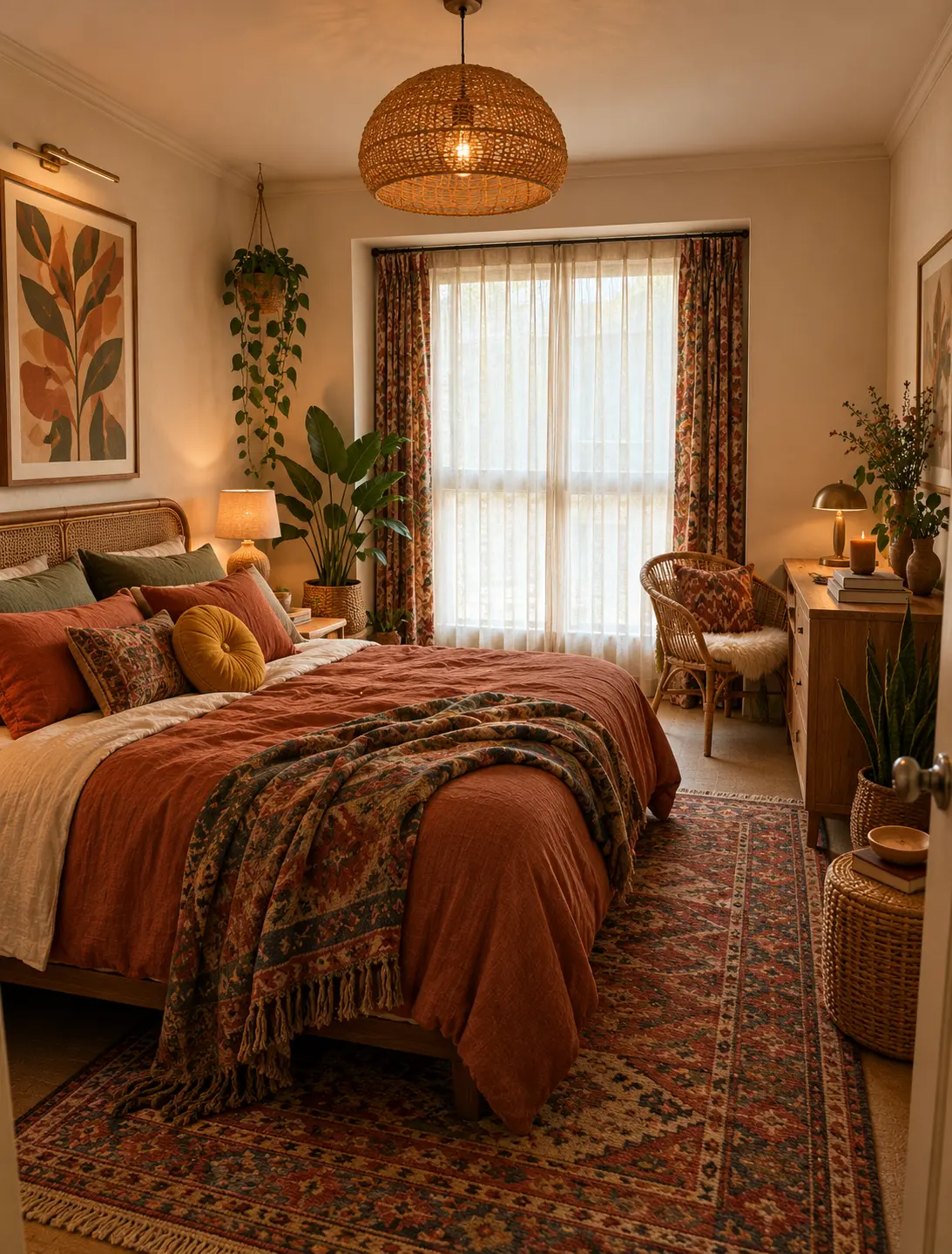
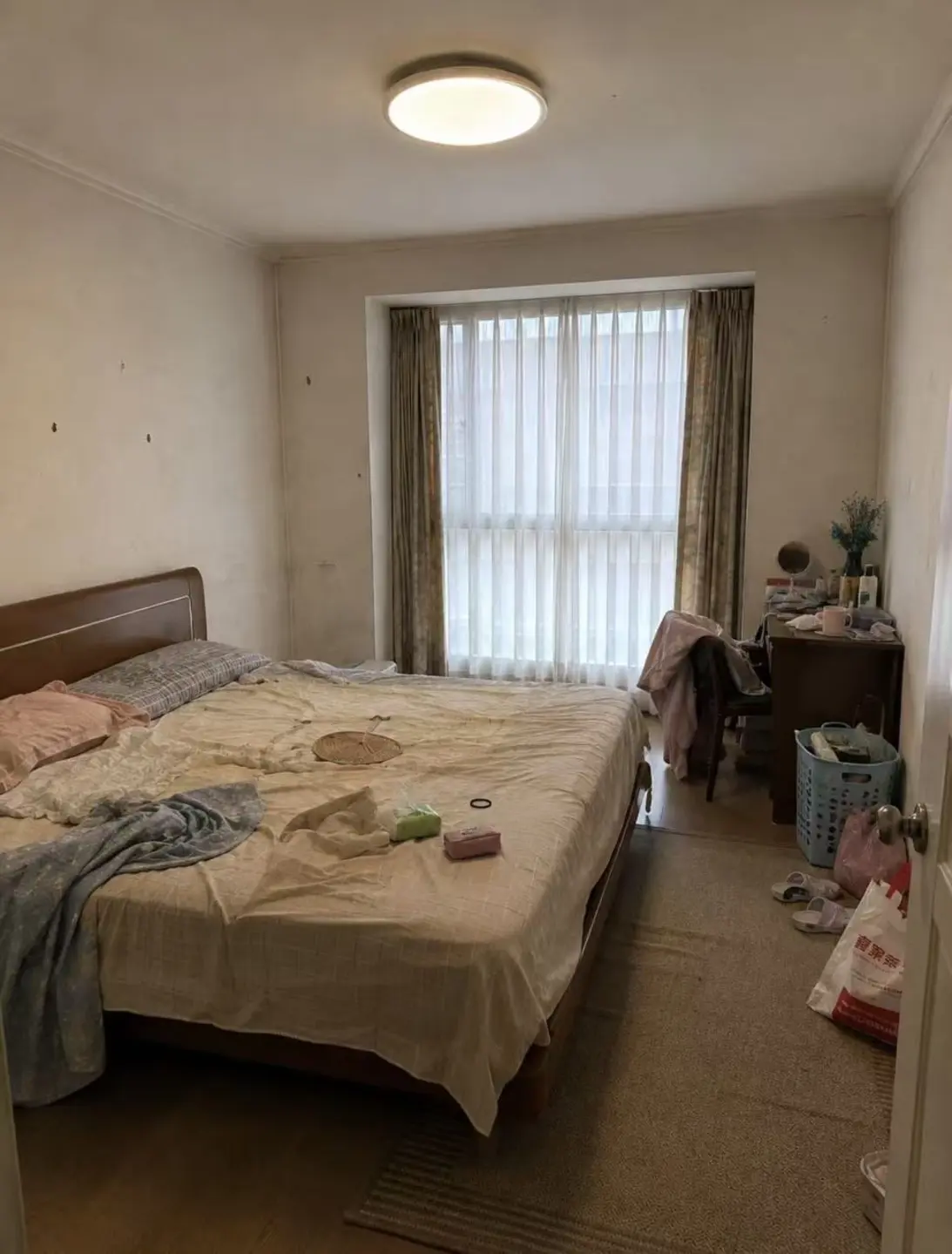
Before & after
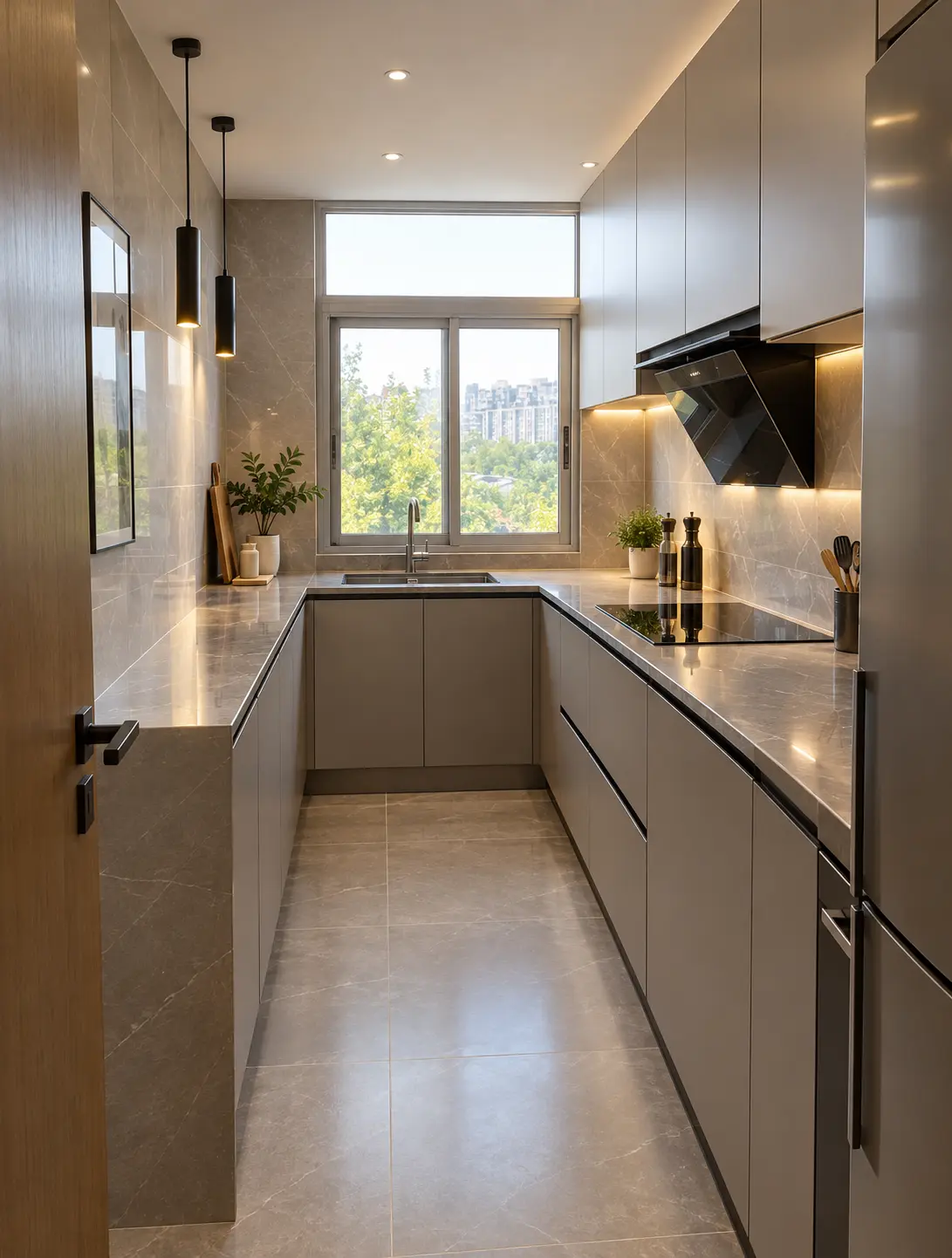
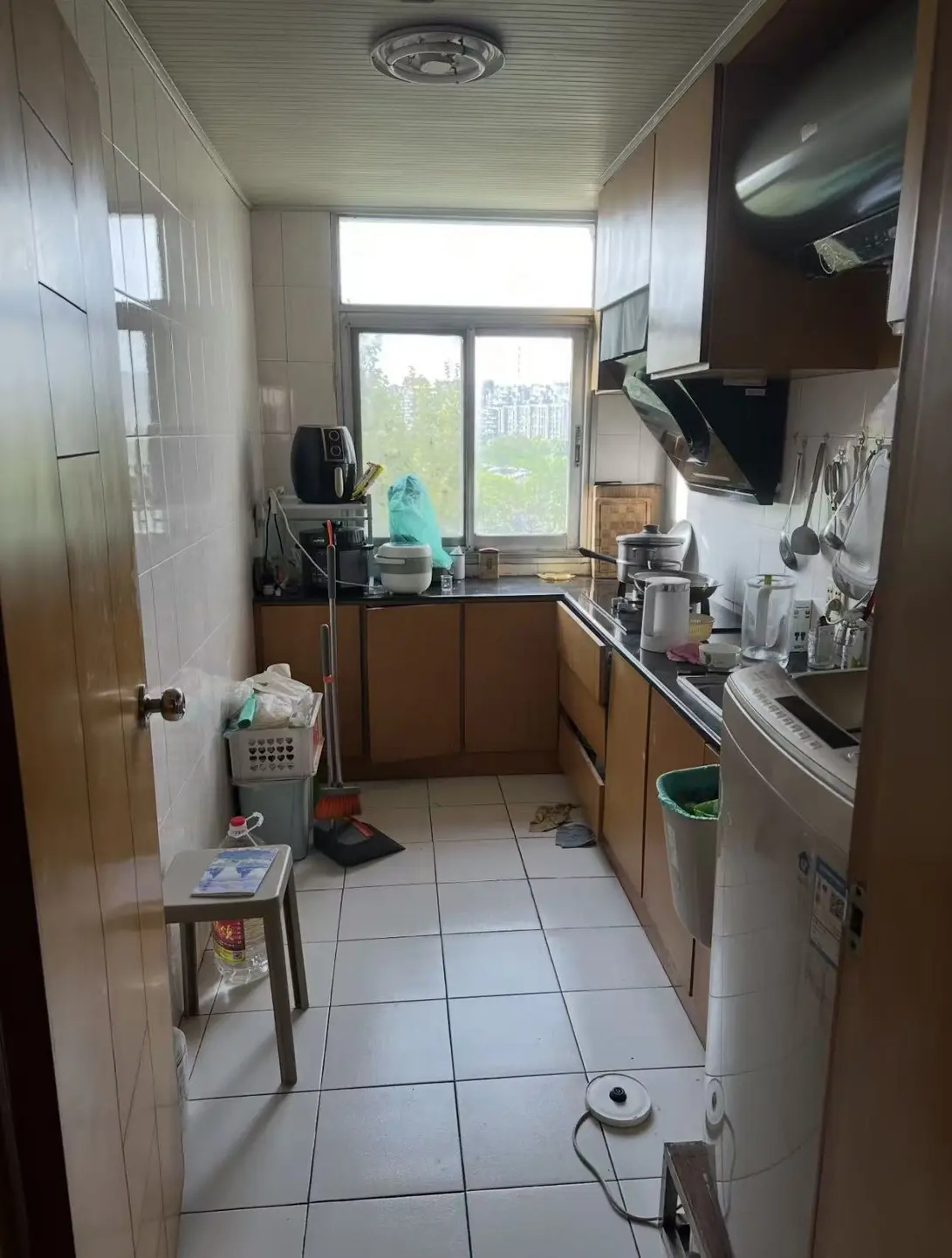
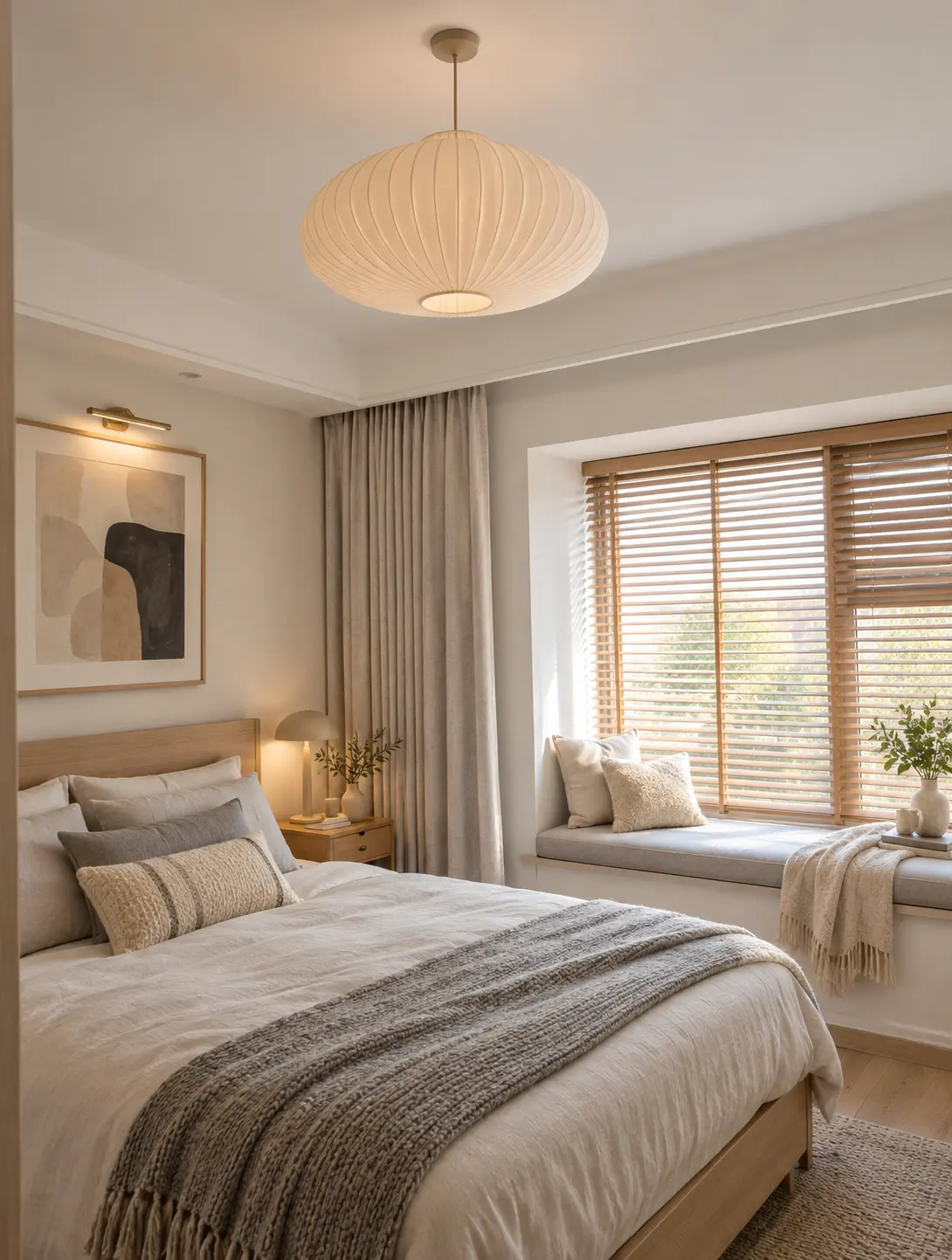
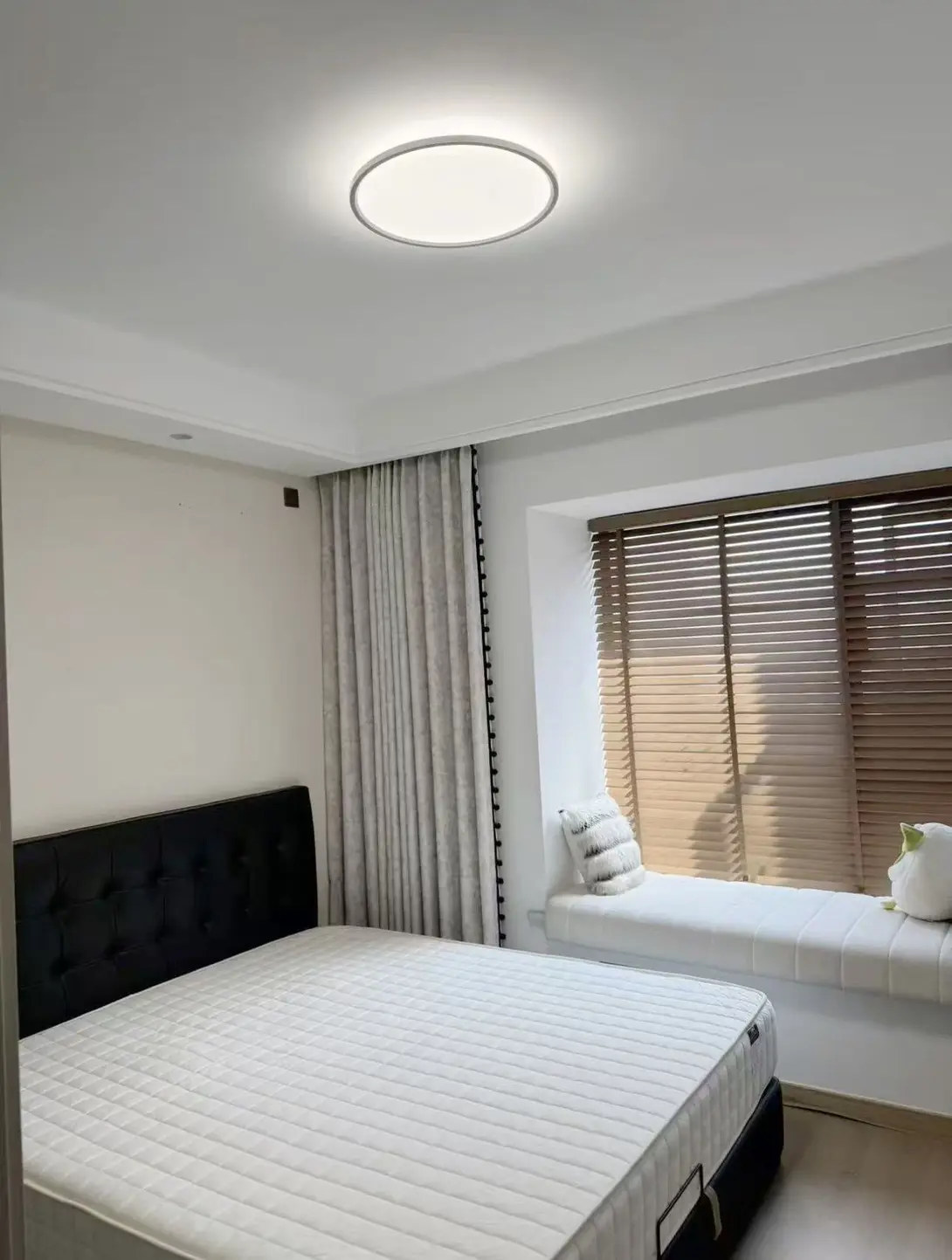
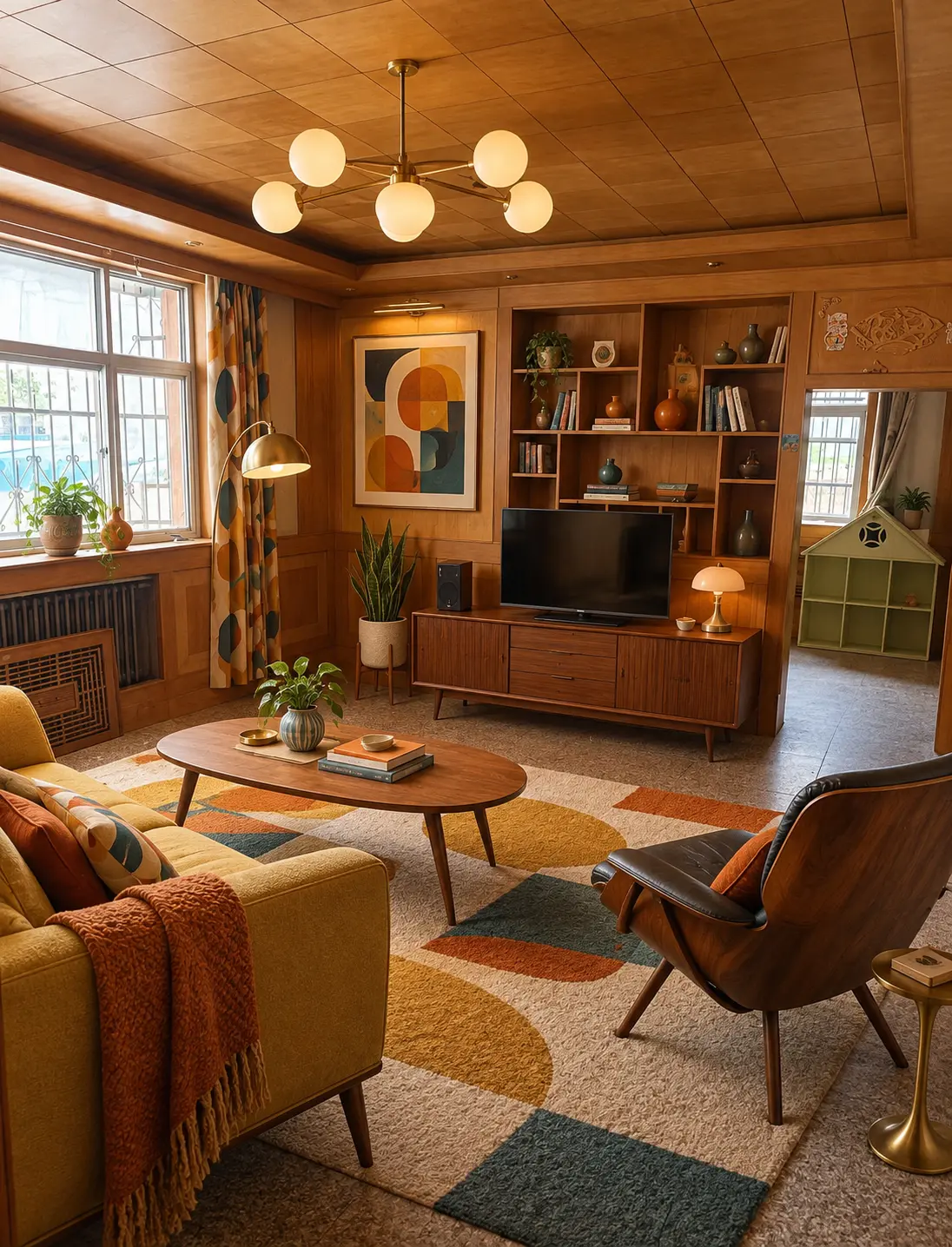
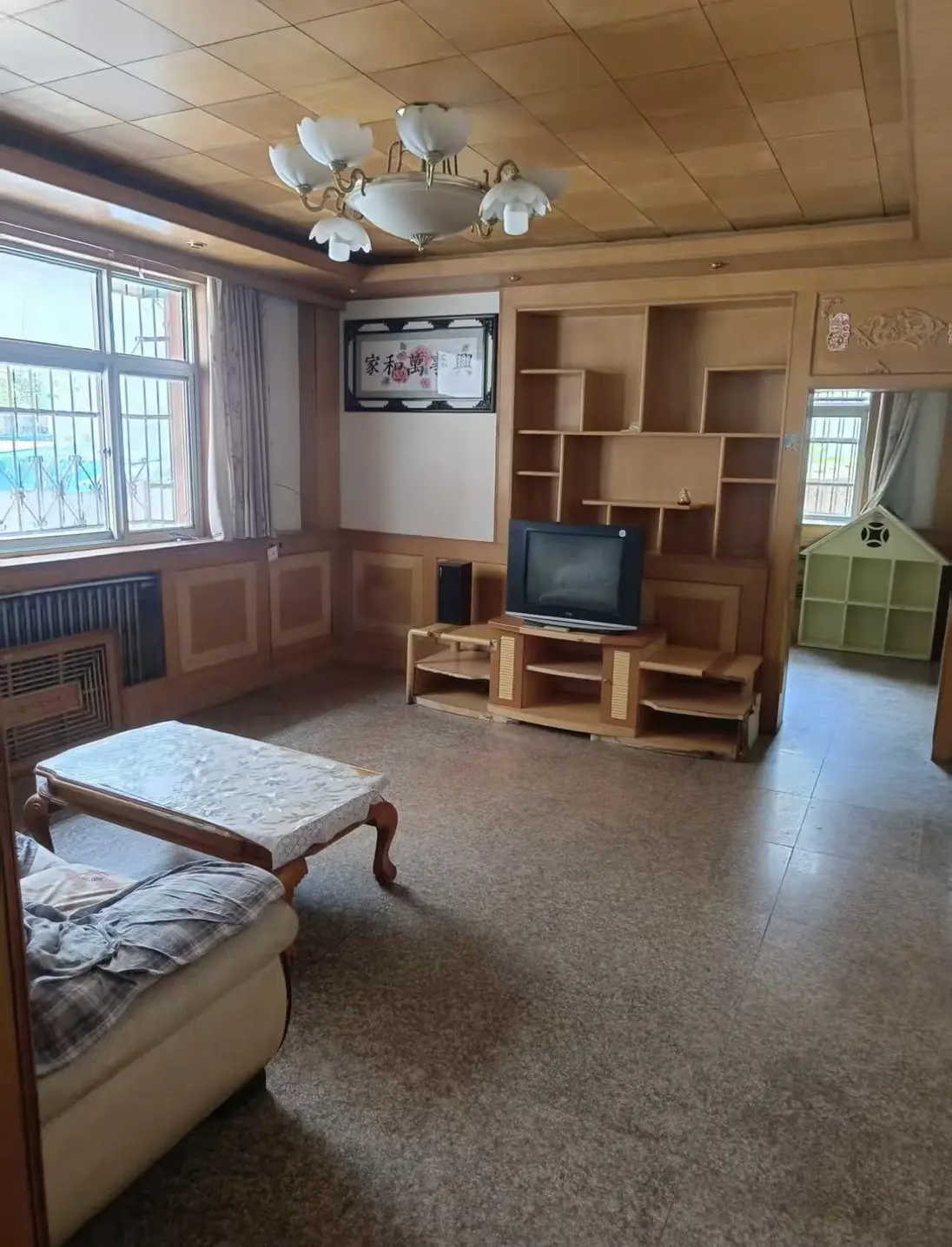
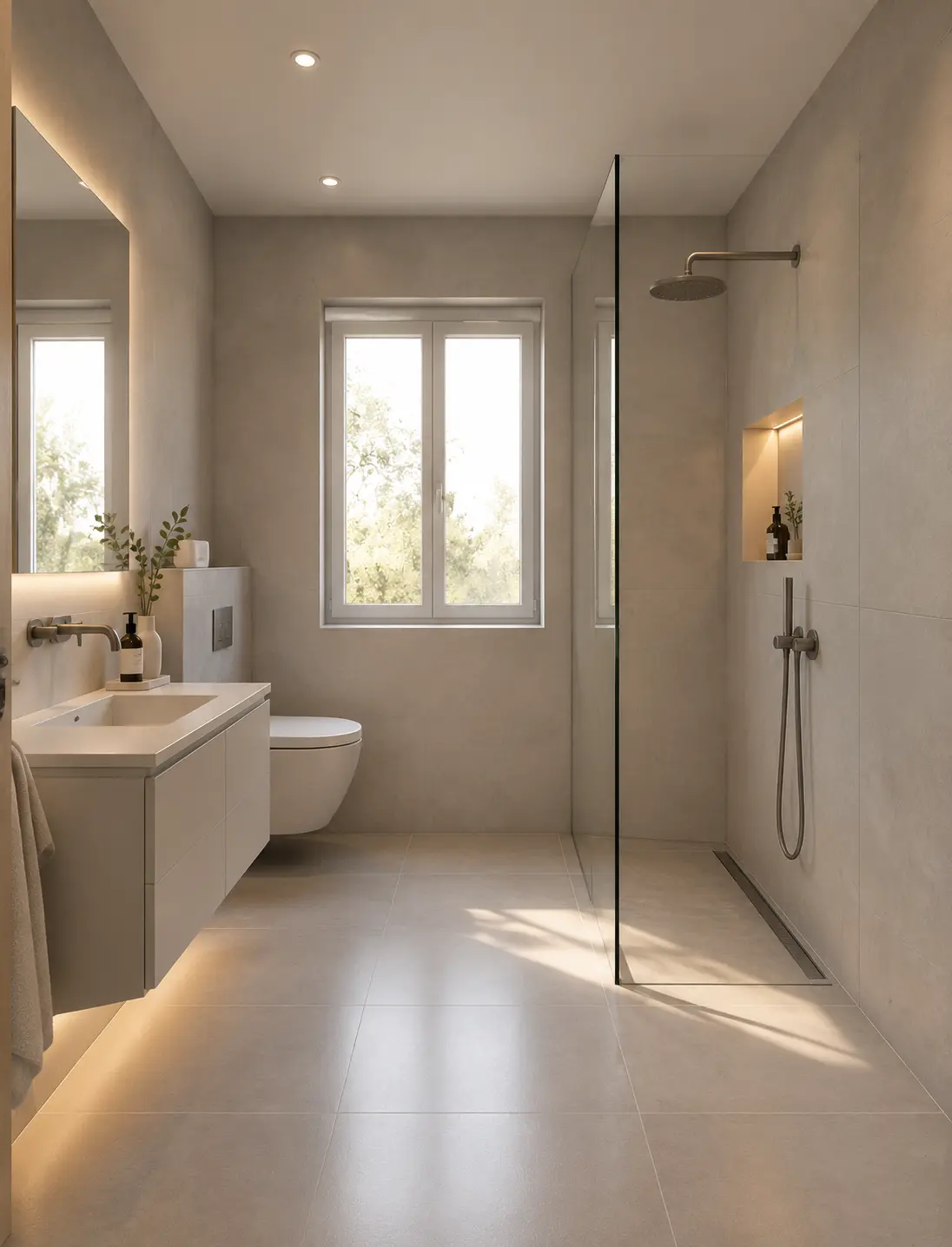
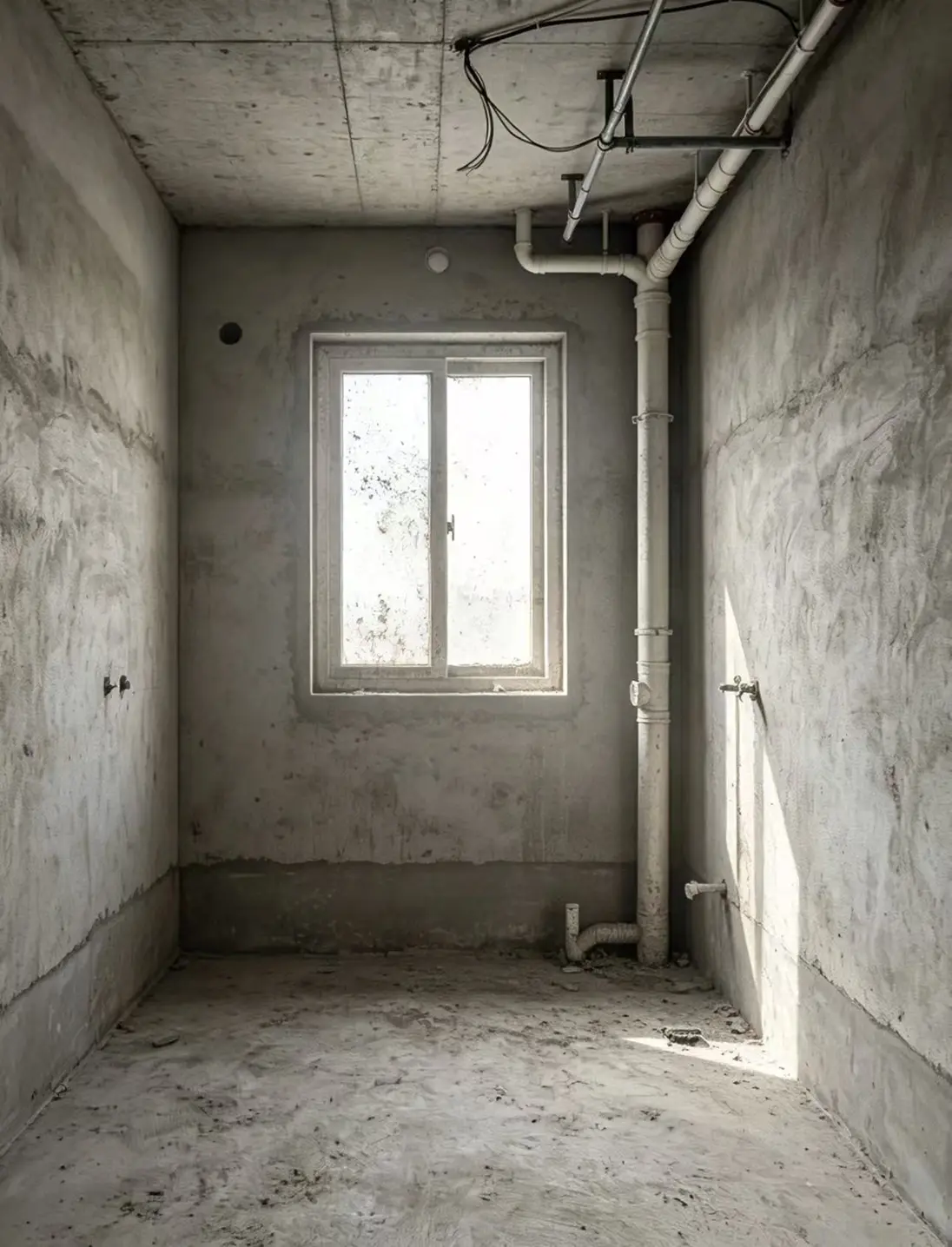
Room design before and after
Every example started as a real phone photo — same room, same windows, new look.
FAQ
Room design FAQ
You can try it free. New accounts get 1 free room design — no credit card, no watermark. After that, packs start at $4.99 for 22 designs. If a generation fails, your credits are refunded automatically.
Yes, a free account is needed so we can save your designs to My Designs and give you your free room design. Sign-up takes a few seconds with Google or email.
No. iRoomDesign works in the browser on your phone or computer. Open the site, upload a photo and pick a style.
No. Instead of drawing a floor plan and dragging furniture around in 3D, you upload a photo of your real room and AI shows you a realistic redesign of that exact space in about a minute.
Yes. iRoomDesign keeps your room's layout, windows, doors, ceiling height and proportions, so the design matches your real space. It's a concept image for inspiration, not a measured construction drawing.
Yes. Choose "Just new furniture" and your walls, floors and ceiling stay as they are — only the furniture and decor change. Choose "Renovate everything" for a full makeover of an empty or old room.
Yes. Tap "Use my own photo" as your style and upload a room you love, for example from Pinterest. The AI follows its colors, materials and mood while keeping your own room's structure. It costs the same 3 credits.
Living rooms, bedrooms, kitchens, dining rooms, home offices and bathrooms. Kitchens and bathrooms keep their real size and a practical layout.
Stand in a corner or doorway and shoot towards the opposite corner, so two or three walls, the floor and the windows are in frame. Hold your phone horizontally at chest height, use the 0.5× wide lens for small rooms (like bathrooms and kitchens), and shoot in daylight with the lights on. One room per photo.
Yes. The designs you create are yours to use in property listings, client presentations and social posts. For virtual staging, upload an empty or dated room and choose "Renovate everything". They are AI concept images for inspiration, not construction drawings — mark them as virtually staged where your local rules require it.
Your photos are only used to create your designs. They are sent to our AI image provider to generate the design, never sold and never used by us to train AI models, and they are not shown publicly unless you share a design yourself. Uploaded photos are deleted automatically after 15 days and generated designs after 90 days. You can delete any design from My Designs, or your whole account in Settings, at any time.
See your room redesigned before you renovate.
Try AI room design free — your first design is on us, no credit card required.
Upload a room photo